
Organize iPhone Photos Without Creating Another Account

You do not need a new Swipellio account to start reviewing photos. There is no email registration or login. That does not remove iOS photo permissions or replace the Apple services you may already use.
Start with a library permission, not a registration
Swipellio explains photo access before the iOS prompt. Full Access makes the whole library available for review. Limited Access also works, but only shows the photos you allow. Choose the permission you are comfortable with and understand the smaller review scope if it is limited.
Choose a free basic session
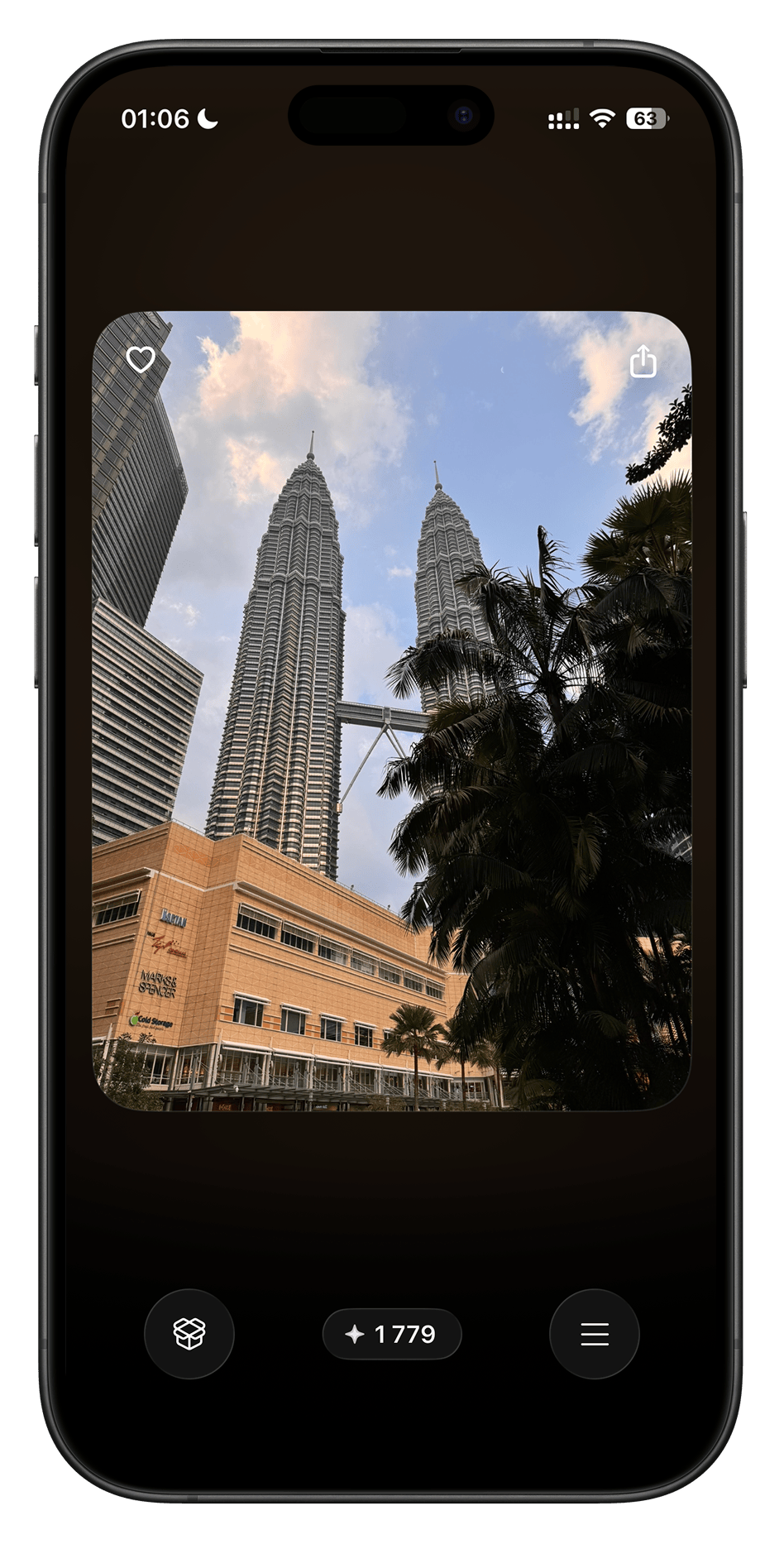
Everything, Photos, Videos and Screenshots are free basic modes without a daily swipe cap. Swipe right to keep or left to set aside in the app’s Bin. All sort orders, double-tap undo and the Bin are included. There is no account gate after a batch of basic swipes.
Your Apple services remain separate
Purchases go through Apple’s StoreKit. If originals are stored in iCloud, loading your own photos may use a network connection. Neither action creates a Swipellio login. Having no Swipellio account is not the same as promising that Apple services are never involved.
What happens to the photos
Analysis runs on the device and Swipellio does not upload the library to a server of its own. There are no trackers, analytics SDKs or ads in the app. Feedback is sent from your mail app only if you choose to write to the developer.
What Pro changes
Pro adds specialized review modes and tools that make kept files smaller. It is optional for basic cleanup. Current local purchase options are in the App Store; no account-based trial registration is needed to use the basic modes.
More guides
- Can You Clean iPhone Photos Without Internet?
- Swipellio Free vs Pro: What You Can Actually Do Without Paying
Check before deleting
A left swipe only moves the photo into the in-app Trash Bin. You can restore it until you empty the Bin; a double tap undoes the last swipe. After deleting from your library, check Recently Deleted in Photos too. Permanently deleting from there cannot be undone.
With iCloud Photos enabled, deleting also syncs to other devices on the same account. Keep a separate copy of important memories before permanently removing them.
Apple’s guide to deleting and recovering photos
Try Swipellio on iPhone
Everything, Photos, Videos and Screenshots are free basic modes, with no daily swipe cap. All sort orders, the Trash Bin and double-tap undo are included. No ads, cooldown timers or account.
More guides

How to Delete Similar Photos on iPhone
Compare near-identical shots and choose which ones to keep. Review them manually in Photos or in Similars packs before deleting.

How to Delete Thousands of Photos on iPhone
Choose between a checked batch and reviewing photos one at a time before clearing a large iPhone library.
How to Delete Screenshots on iPhone
Find screenshots in Photos or review them in Swipellio’s free Screenshots mode before removing them.
Deleted Photos Still Taking Up Storage on iPhone?
Check Swipellio’s Bin, Recently Deleted and the iPhone storage display when removing photos does not seem to free space.

How to Free Up Storage on iPhone Without Deleting Apps
Find out what is using your iPhone storage and get space back in the right order, without deleting the apps and photos you want to keep.

How to Delete Duplicate Photos on iPhone
Merge exact copies with the Photos Duplicates album, then review the near-duplicates it ignores. Three methods, and which one fits which problem.

How to Free Up iCloud Storage: What to Delete and What to Keep
iCloud storage full? Review backups, photos, iCloud Drive and Messages to free up space, without deleting photos from all your devices by accident.