
Clean up your camera roll without losing your mind
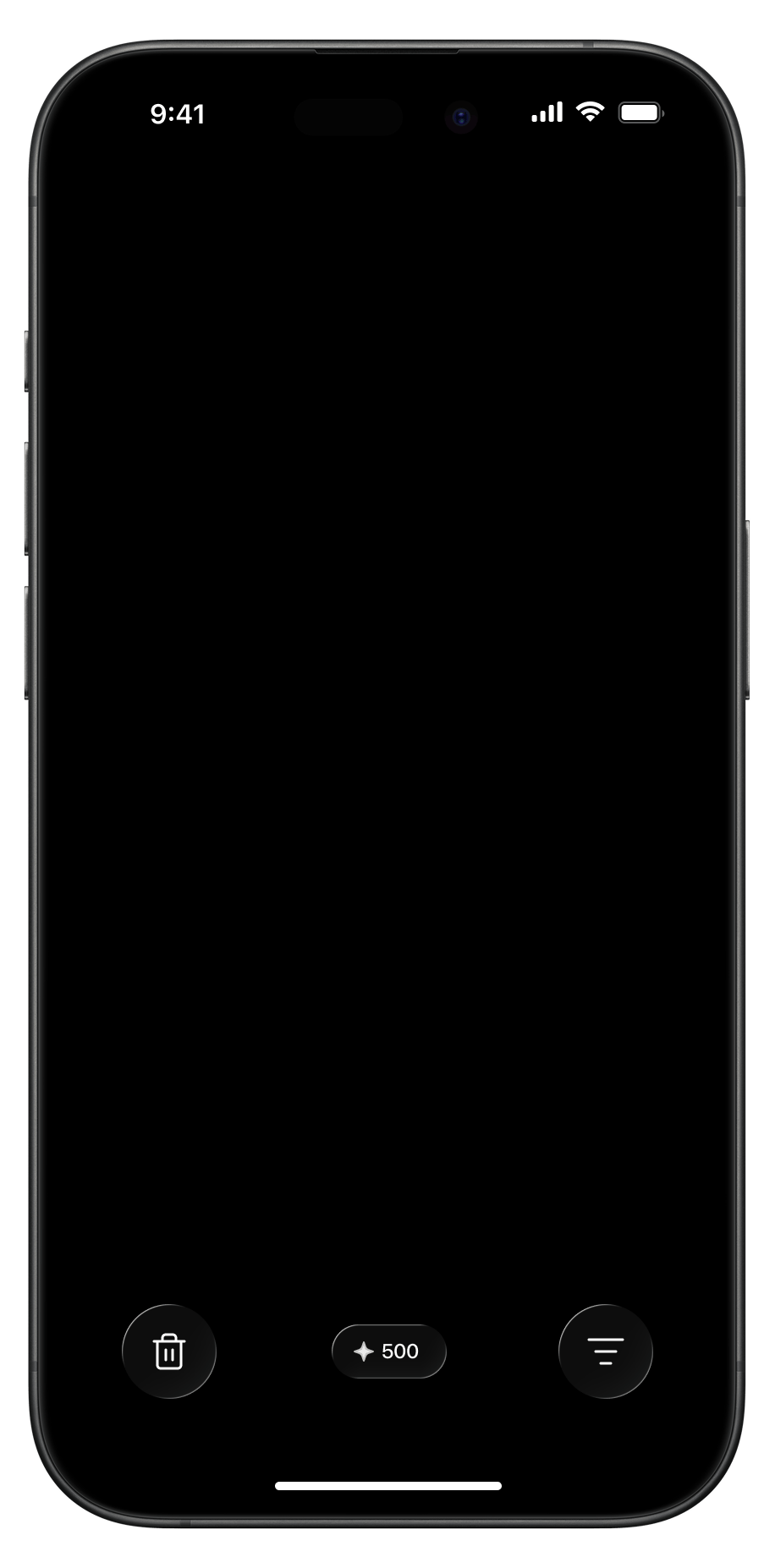
Swipe left to delete, right to keep. Nothing leaves your library until you empty the Trash Bin yourself.
Download on the App StoreQuestions people ask first
The short answers. Longer ones are on the FAQ page.
Is anything deleted straight away?
No. Swiping left moves a photo to Swipellio's in-app Trash Bin, where it stays until you deliberately empty it. Until then you can pull anything back out, and a double tap undoes your last swipe instantly.
Do my photos leave my phone?
No. Swipellio has no trackers, no analytics and no server of its own, and it uses the internet for one thing: loading your own photos from iCloud. Apple's App Privacy section on the listing reads "Data Not Collected".
What is free, and what costs money?
Manual cleanup is free and unlimited: the swipe loop, the Photos and Videos filters, every sort order including Largest, the Trash Bin and undo. No daily cap, no cooldown timer, no ads, no account. An entire library can be sorted without paying. Swipellio Pro lifts the free allowances on the two automated modes, Smart Mode and Similars, which find the clutter for you.
What does Pro actually get me?
Time. Everything Swipellio does can be done for free by hand, one swipe per photo. Pro buys speed, not access: it lifts the free allowances on Smart Mode, which surfaces blurry, dark and blown-out shots and screenshots, and Similars, which groups near-identical shots into packs.
Does it need an account?
No. There is no sign-up, no email and no login. Swipellio has no server to hold an account on.
Which iPhones does it run on?
Swipellio runs on iPhone with iOS 17.5 or later, and downloads at 8.2 MB. There is no Android version.