
How to Free Up iCloud Storage: What to Delete and What to Keep

To free up iCloud storage, open Settings, tap your name, then iCloud, and see what uses the most space. Old backups, large videos and attachments are usually good places to start. Be careful with photos: with iCloud Photos on, a deleted photo disappears from all your devices.
Free up iCloud storage, step by step
- Open Settings, tap your name, then iCloud. You can see what is using the space.
- On iOS 17 or later, tap Recommended for You. iOS suggests things you may no longer need, such as photos, large files or old backups.
- Check your backups. You can delete backups of old devices or exclude apps. Deleting the backup of your current iPhone turns off iCloud Backup for that device.
- Go through iCloud Drive in the Files app. Deleted files disappear from all your devices and stay in Recently Deleted for 30 days.
- Remove large attachments in Messages and clear out your mail if you use iCloud for it.
- Leave photos and videos for last. Delete only what you really do not need, and save what matters first.
iCloud storage and iPhone storage are different things
iPhone storage is the space on the device. iCloud storage is the space in your Apple Account. A full iCloud does not mean a full iPhone, or the other way round. Optimize iPhone Storage saves space on the device but not in iCloud, where the originals stay at full size.
What happens when iCloud is full
According to Apple, your device stops backing up to iCloud, new photos and videos stop uploading to iCloud Photos, iCloud Drive and other iCloud apps stop staying up to date, and you cannot send or receive email with your iCloud address.
Does emptying Recently Deleted help iCloud?
No. According to Apple, items in Recently Deleted do not count toward your iCloud storage, so you do not need to empty the album to gain space there. On the iPhone itself it is different: those items still take up room.
Clean up iCloud photos without losing what matters
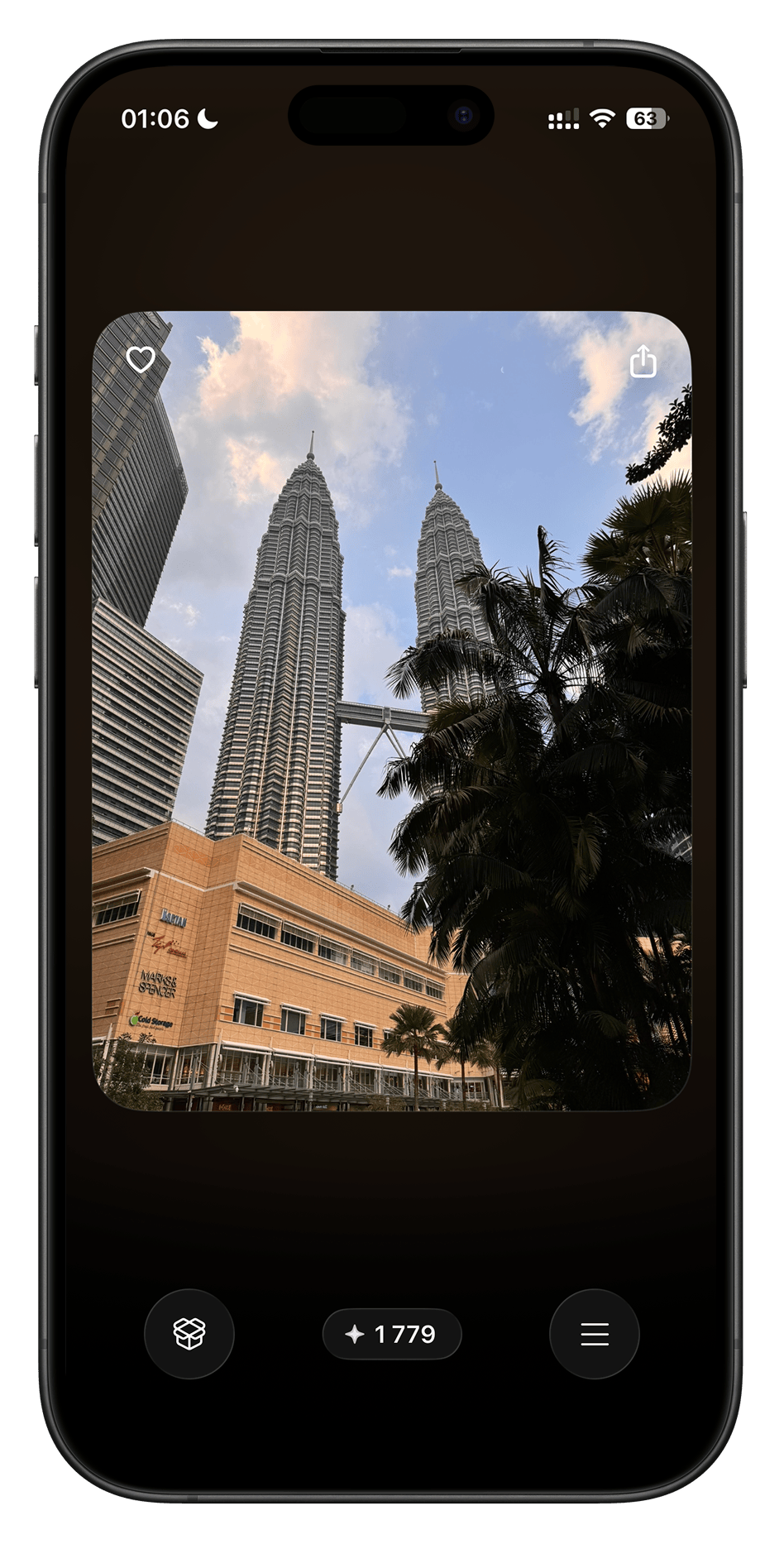
With iCloud Photos, every deletion affects the whole library, so it helps to look at each item rather than selecting large ranges. In Swipellio you can sort the basic modes by size and decide for free, with no swipe limit, starting with the largest videos. Nothing is deleted until you empty the in-app Bin. After that, items stay in Recently Deleted for 30 days.
More guides
- Deleted Photos Still Taking Up Storage on iPhone?
- How to Free Up Storage on iPhone Without Deleting Apps
- How to Sort iPhone Photos by File Size
Check before deleting
A left swipe only moves the photo into the in-app Trash Bin. You can restore it until you empty the Bin; a double tap undoes the last swipe. After deleting from your library, check Recently Deleted in Photos too. Permanently deleting from there cannot be undone.
With iCloud Photos enabled, deleting also syncs to other devices on the same account. Keep a separate copy of important memories before permanently removing them.
Apple’s guide to deleting and recovering photos
Apple’s guide to managing iCloud storage
Try Swipellio on iPhone
Everything, Photos, Videos and Screenshots are free basic modes, with no daily swipe cap. All sort orders, the Trash Bin and double-tap undo are included. No ads, cooldown timers or account.
More guides

How to Delete Similar Photos on iPhone
Compare near-identical shots and choose which ones to keep. Review them manually in Photos or in Similars packs before deleting.

How to Delete Thousands of Photos on iPhone
Choose between a checked batch and reviewing photos one at a time before clearing a large iPhone library.
How to Delete Screenshots on iPhone
Find screenshots in Photos or review them in Swipellio’s free Screenshots mode before removing them.
Deleted Photos Still Taking Up Storage on iPhone?
Check Swipellio’s Bin, Recently Deleted and the iPhone storage display when removing photos does not seem to free space.

How to Free Up Storage on iPhone Without Deleting Apps
Find out what is using your iPhone storage and get space back in the right order, without deleting the apps and photos you want to keep.

How to Delete Duplicate Photos on iPhone
Merge exact copies with the Photos Duplicates album, then review the near-duplicates it ignores. Three methods, and which one fits which problem.