Photo cleaner without a subscription: what “free” really means
Short answer
“Free” means at least five different things in this category, and only two of them let you finish cleaning your library without paying. Before you install anything, scroll to the In-App Purchases list on the App Store page. No list means no paid products at all. A list of weekly plans means the free tier is bounded somewhere, and the question is where. If you have already been charged, Settings → your name → Subscriptions is where you cancel — deleting the app does not.
Photo cleanup is an unusually good business to build a subscription around, for a reason that has nothing to do with the software. The moment someone looks for a cleaner, they are already under pressure: the phone will not take a photo, or the update will not install, or iCloud has been complaining for a week. Someone in that state will agree to almost anything to make the message go away.
That is why the pricing in this category is what it is. Not because the apps are expensive to run — the work happens on your phone, using frameworks Apple provides — but because the buying moment is urgent and the customer is not comparison shopping.
Here is how to shop anyway.
The five shapes of “free”
| Shape | How it presents | Can you finish for free? |
|---|---|---|
| Free trial | “3 days free” on first launch, card details taken up front | Only if you cancel in time. It is a subscription that has already started. |
| Daily cap | Works normally, then “you have used your 100 swipes today” | In theory, across weeks. A large library becomes a chore with a schedule. |
| Cooldown timer | A batch, then a wait that grows each time | Technically. This is the shape designed to be unbearable. |
| Ad-gated | Free, but a video plays between batches, or ads sit in the interface | Yes, at the cost of your attention and an ad SDK in the app. |
| Free tier | Part of the app is free with no cap; something else is paid | Yes, if the free part is the part that actually deletes photos. |
The distinction that matters most is the first row against the last. A free trial is a subscription with a delayed first charge; the clock is running from the moment you tap. A free tier is a piece of the app that stays free indefinitely. Both get advertised with the same word.
How to check before you install
Four checks, none of which require installing anything. Two minutes total.
1. The In-App Purchases list
On the App Store listing, scroll past the screenshots and description to the Information section. If the app sells anything, there is an In-App Purchases row listing the products and their prices. This is Apple’s data, not the developer’s marketing, and it cannot be dressed up.
No row at all means the app has no paid products whatsoever. That is rare and it is a real signal.
2. The advertising marker
Under the app name, Apple shows a “Contains Advertising” marker when the app includes advertising. If it is there alongside a subscription, you are paying with attention or with money, and the app contains third-party ad code either way — code that exists to collect identifiers and usage data while holding your photo library.
3. The one-star reviews, searched for three words
Skip the five-star reviews; they tell you nothing. Open the reviews, sort or scroll to the critical ones, and look for timer, limit and paywall. If the free tier has a trap in it, this is where it is described, usually by someone who is annoyed enough to be specific.
4. The App Privacy section
Not about money directly, but the same decision. “Data Not Collected” against a list of data used to track you across other companies’ apps tells you which business the app is really in. We cover this in detail in are photo cleaner apps safe.
The genuinely free options
Three, in increasing order of convenience. Facts about other apps here were verified against their App Store listings on 12 August 2026; this category changes prices often, so check the listing before relying on any of it.
The Photos app you already have
It costs nothing and it can do the whole job. Tap Select, then drag your finger across the thumbnail grid to select in bulk rather than tapping each one, and delete. Working album by album, or month by month, keeps it manageable.
What you give up is speed and any sense of priority. Nothing sorts your library by how likely you are to want something gone, so you review 8,000 photos in the order they were taken, at roughly four taps per deletion. Our guide on deleting thousands of photos on iPhone covers the selection tricks that make this survivable, and is honest about where it stalls.
Clever Cleaner
Clever Cleaner by CleverFiles is positioned as fully free with no in-app purchases and no ads, which makes it the price benchmark in this category. It works as a management grid — categories, checkboxes, batch selection — rather than a one-photo-at-a-time queue. Whether that is better depends on whether you prefer to administer your library or to be handed one decision at a time.
An app with a real free tier
The other honest shape is an app where the part that deletes photos is free and unbounded, and the paid part is something else. The test is simple: if I never pay, can I still empty my camera roll? If the answer is yes, the free tier is real. If the answer is “yes, over eleven days, in batches of a hundred”, it is a cap with better marketing.
Where Swipellio sits
Disclosure: I build Swipellio. These are the mechanics rather than a recommendation, and every number here is checkable in the app.
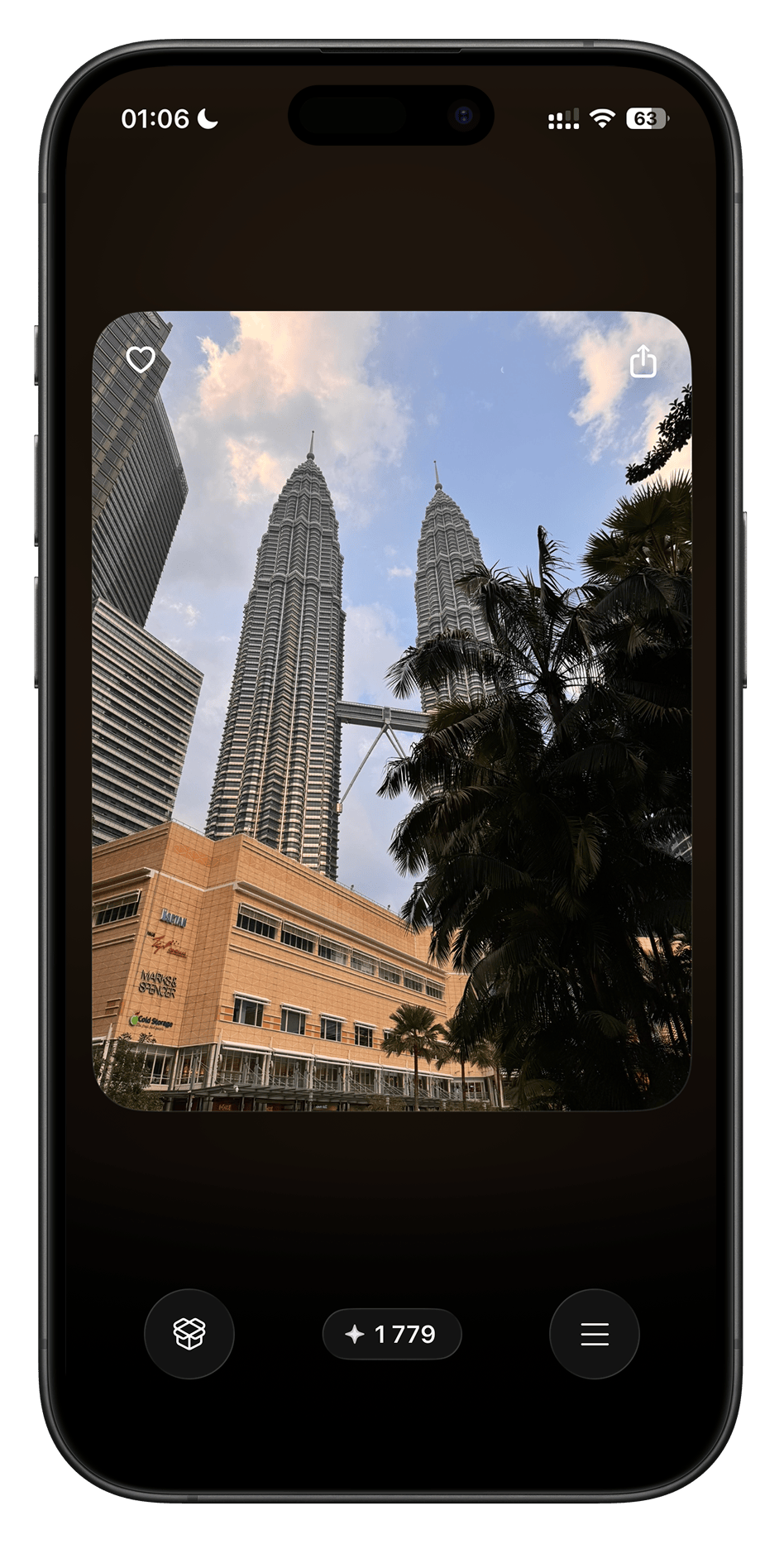
Manual cleanup is free, unlimited and permanent. No daily cap, no cooldown timer, no ads, no account, no sign-up. Specifically free with no limit:
- The core swipe loop — left to delete, right to keep
- Everything mode, Photos, Videos and Screenshots
- All four sort orders: Newest, Oldest, Largest, Shuffle
- The Trash Bin, undo by double tap, hold-to-zoom
Pro includes quick review modes and space-saving tools. These are the free allowances for two of the quick modes:
| Feature | What it does | Free allowance |
|---|---|---|
| Clutter Scanner | Scans on your phone and surfaces photos you probably do not want: blurry, too dark, blown out or low-quality shots | 20 items |
| Similars | Groups near-identical shots into packs so you compare them side by side | 5 packs |
Pro helps in two ways: Clutter Scanner, Papers, Pets and Similars find the photos to review; Quick Cleanup and video compression make photos and videos smaller. The quick modes have free allowances. Quick Cleanup and video compression require Pro. Basic swiping stays free and unlimited.
One detail that matters if you are trying the allowances: they are counted per photo, not per action. Undoing a swipe, restoring something from the Trash Bin or re-running a scan does not consume them, so a mistake does not cost you part of your trial.
Swipellio is free to download with an optional Pro upgrade, available as a subscription or a one-time lifetime purchase. Current prices are on the App Store listing, which is the only place a price is authoritative.
If you already subscribed to something
This is worth knowing regardless of which app you end up with, because it is the single most common complaint in the category.
Cancelling
- Open Settings.
- Tap your name at the very top.
- Tap Subscriptions.
- Tap the subscription, then Cancel Subscription.
Two things people get wrong. Deleting the app does not cancel the subscription — the charge continues from a phone that no longer has the app on it. And if you see no Cancel button, or an expiry date in red, it is already cancelled and you are simply inside a period you paid for. Access continues to the end of that period; there is no partial refund for cancelling early.
Asking for a refund
Refunds for App Store purchases are handled by Apple, not by the developer. Go to reportaproblem.apple.com, sign in with your Apple Account, find the purchase, and choose Request a refund. State plainly what happened. Apple decides, usually within a few days, and a developer cannot approve or block it. For reference, Apple documents the process in its own support article on cancelling subscriptions.
Also worth doing once, whatever brought you here: read the whole Subscriptions list. Most people find at least one thing they forgot about.
Key takeaways
- “Free” covers five different models; only a real free tier or a genuinely free app lets you finish without paying.
- A free trial is a subscription that has already started.
- Check the In-App Purchases list on the listing before installing. No list, no paid products.
- Search the one-star reviews for timer, limit and paywall.
- The useful question: if I never pay, can I still empty my camera roll?
- Deleting an app does not cancel its subscription. Settings → your name → Subscriptions does.
- Refunds go through reportaproblem.apple.com, and Apple decides.
Frequently asked questions
Is there a photo cleaner for iPhone without a subscription?
Yes. Some apps charge nothing at all, and some make their manual cleanup free without limits while charging only for automated scanning. In Swipellio, sorting your library by hand is free and unlimited: all photos and videos, every sort order, the Trash Bin and undo, with no daily cap, no cooldown timer, no ads and no account. Clever Cleaner by CleverFiles has no in-app purchases at all, though it uses a grid interface rather than a swipe one. Verified against the App Store listings on 12 August 2026.
How can I tell if a free photo cleaner will ask me to pay?
Scroll to the In-App Purchases list on the App Store listing before installing. If it is absent, the app has no paid products. If it lists weekly or yearly items, the free tier is limited in some way and it is worth finding out how. Also check for Apple’s “Contains Advertising” marker under the app name, and read a few one-star reviews for the words timer, limit and paywall.
What is the difference between a free trial and a free tier?
A free trial is a subscription that has already started and will charge you automatically when the trial period ends unless you cancel first. A free tier is a part of the app that stays usable indefinitely without payment. An app can have either, both, or neither, and the App Store listing does not always make the difference obvious.
How do I cancel a photo cleaner subscription on iPhone?
Open Settings, tap your name at the top, tap Subscriptions, tap the subscription, then tap Cancel Subscription. Deleting the app does not cancel anything. Access continues until the end of the period you already paid for. To ask for a refund, go to reportaproblem.apple.com, sign in, find the purchase and choose Request a refund. Refunds are decided by Apple, not by the developer.
Can I clean up my camera roll without any app at all?
Yes. The Photos app can do all of it: tap Select, drag your finger across a grid of thumbnails to select in bulk, and delete. Working album by album or month by month is the practical approach. It costs nothing and takes considerably longer, because each decision requires more taps and no tool sorts the library by how likely you are to want something gone.
Related reading
- Why cleaner apps make you wait: timers, caps and ads
- Choosing a free photo cleaner for iPhone
- Are photo cleaner apps safe? A 5-point check
Free, unlimited, by hand
Cleaning your camera roll one swipe at a time is free in Swipellio, with no cap, no timer, no ads and no account.